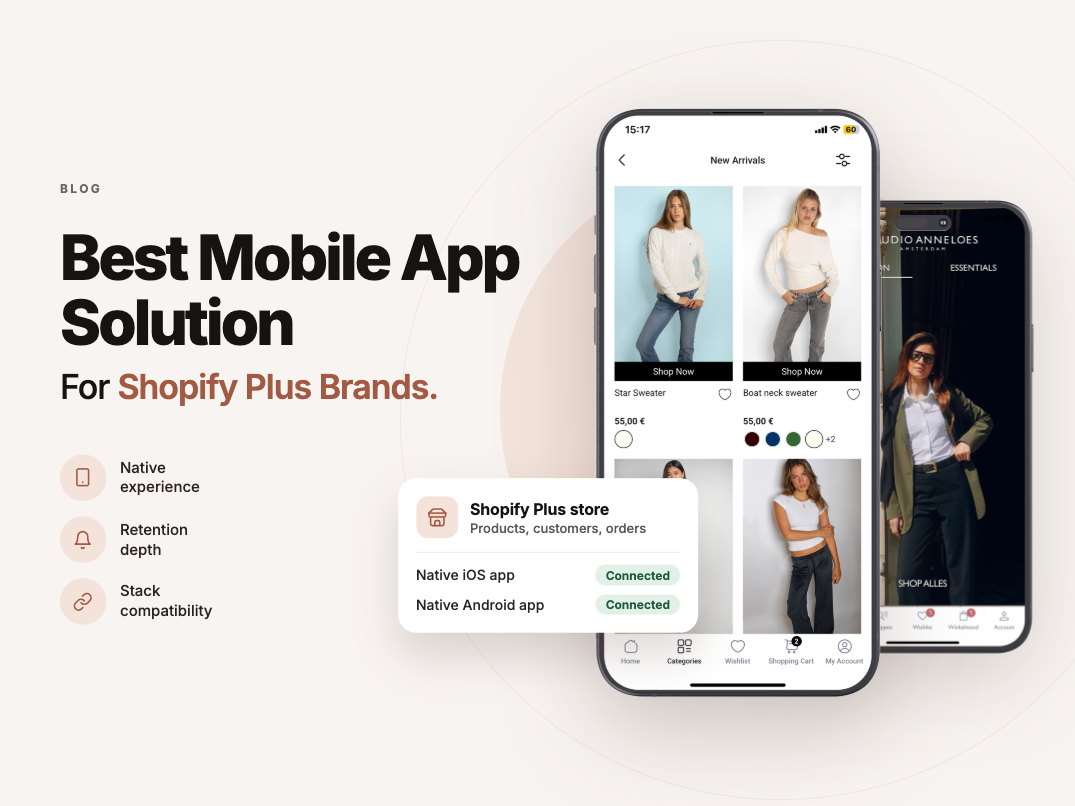
Shopify Plus brands have four realistic ways to get a native shopping app: a template app builder, a specialist ecommerce app partner, a custom agency build or an in-house team. The right choice depends less on features than on how much of the channel your team wants to run itself. At Plus level, you are not simply picking another add-on. You are choosing whether a native app can improve mobile conversion, strengthen retention and fit cleanly into a more complex ecommerce stack.
The best solution is usually the one that combines a strong native shopping experience on iOS and Android, practical retention tools that bring customers back through owned channels, and reliable compatibility with the systems your team already uses. This guide compares the four options, then breaks down when a mobile app is worth it, what to compare before you shortlist providers, and how to judge the business case before launch.
Four ways to get a native app for a Shopify Plus store
Most Shopify Plus brands choose between four routes. They differ less in what the app can show and more in who designs it, who keeps it working and who grows it after launch.
Apple and Google change their requirements every year. Since April 28, 2026, App Store submissions must be built with Xcode 26. Since August 31, 2026, new apps and updates on Google Play must target Android 16 (API level 36). Whichever option you choose, someone has to own that work.
Why Plus brands outgrow a web-only storefront
Shopify Plus gives brands a strong ecommerce foundation, but a web storefront still depends on customers choosing to come back. When the goal is more repeat purchase, faster response to campaigns and better mobile conversion, many Plus teams start to feel the limits of browser-based journeys. The benefits of a native Shopify app include faster navigation, persistent login, saved preferences and a more focused buying experience.
It tends to make most sense for brands with meaningful mobile traffic, repeat-order behaviour, regular launches or promotions, and enough merchandising depth to benefit from a dedicated channel. In that scenario, the app becomes an owned channel that brings browsing, purchasing, re-engagement and service into one branded experience instead of adding more disconnected point solutions.
What to compare before you shortlist a solution
If you are trying to find the best mobile app solution for Shopify Plus, compare providers on business fit first, not storefront screenshots alone.
The feature groups that actually change mobile revenue
Feature lists can get long very quickly. A better way to prioritise is to ask which capabilities improve conversion, which strengthen retention, and which remove operational friction for your team. To help with this, review the mobile app features to look for when choosing a solution. That makes it easier to separate must-haves from nice-to-haves before you choose a platform. For most Shopify Plus brands, the shortlist comes down to three groups.
Conversion and discovery features to check first
Start with the parts of the app that shape how easily a customer can find products and move to checkout.
- The home screen and navigation should support active merchandising, not just mirror your website. Look for flexible layouts, promotional modules, category shortcuts, launch banners and the ability to surface different priorities over time. Plus brands often need to change emphasis quickly around drops, seasonal campaigns and stock movements.
- Collection and product page presentation matters because small usability issues become bigger on mobile. A good app should support clear product imagery, video where relevant, simple variant selection, visible pricing and a short path to add-to-basket. The goal is not to fill pages with widgets, but to make discovery and decision-making feel faster than on the mobile web.
- Search, filtering and sorting deserve close attention, especially if the catalogue is broad or frequently updated. Customers should be able to move from intent to product quickly through accurate search results, intuitive filters and smart recommendations. For many brands, this is one of the clearest differences between an app that merely looks good and one that actively supports conversion.
- Recommendations and merchandising tools should help you raise basket value without making the experience feel cluttered. Useful options include upsells, cross-sells, bundles, product badges, urgency cues, pre-order flows and shoppable media. What matters is whether these tools fit your normal merchandising workflow and can be managed consistently by the team.
- The journey from discovery to checkout should feel direct. Check how the app handles saved carts, account state, quick reordering and the hand-off into payment and order confirmation. On Shopify, a native app can hand shoppers to Shopify's own checkout, so your checkout branding, payment methods, Shop Pay and, on Shopify Plus, checkout extensions stay the same as on your website. Ask each provider how its app hands shoppers into checkout and whether your checkout customizations carry over. If the buying flow introduces extra steps or awkward transitions, the app can lose the very advantage it is supposed to create on mobile.
- The journey from discovery to checkout should feel direct. Check how the app handles saved carts, account state, quick reordering and the hand-off into payment and order confirmation. If the buying flow introduces extra steps or awkward transitions, the app can lose the very advantage it is supposed to create on mobile.
- Reviews, user-generated content and other trust signals are especially valuable inside an app because customers are making decisions on a smaller screen. Ratings, review snippets, customer photos and social proof can reduce hesitation and help buyers move forward with more confidence. The best setup supports trust naturally within the journey instead of pushing it to the margins.
Retention features that lower paid re-acquisition
The strongest app economics usually come from what happens after the first purchase, not just from the initial install.
- Push notifications are one of the main reasons brands invest in an app, but volume is not the point. The useful question is whether you can send relevant, permission-based messages tied to launches, replenishment cycles, back-in-stock demand or customer behavior. Both iOS and Android (from Android 13) ask shoppers to allow notifications before an app can send them, so the opt-in prompt and the reason you give for it matter as much as the campaigns.
- Push works best when it connects properly with your wider lifecycle messaging. Check whether the app solution can coordinate with email and SMS so customers do not receive overlapping campaigns or inconsistent offers. Shopify Plus teams usually need one retention system, not three channels competing for attention with no shared logic.
- Loyalty, rewards and referrals can give the app a clear reason to return beyond simple browsing. If customers can see points, rewards or referral benefits inside the app, repeat usage becomes easier to reinforce. This matters most when the mechanics fit naturally into the brand experience rather than feeling bolted on as a separate programme.
- Owned re-engagement features can reduce reliance on paying for every return visit. Look at support for abandoned-basket recovery, launch reminders, post-purchase follow-up, replenishment prompts and back-in-stock alerts. These are practical ways of reducing CAC with mobile apps and encouraging repeat orders without treating paid reacquisition as the default growth lever.
- Personalisation and segmentation are more valuable than sending more messages. A strong solution should connect customer behaviour, category interest, purchase cadence and captured preferences to the campaigns you run. That helps the brand respond to lifecycle signals in a more relevant way, which is usually better for retention than increasing communication frequency.
- Direct messaging or in-app chat can support retention, but it should be viewed as part of service and relationship-building, not the sole reason to choose a platform. Used well, it helps solve issues, answer product questions and keep customers engaged after purchase. Used badly, it becomes another noisy channel that adds little commercial value.
Data and service features that remove friction
The app should also make the channel easier to run and easier to improve once it is live.
- Analytics and event tracking should show how customers actually behave in the app. You want visibility into discovery patterns, product views, add-to-basket behaviour, checkout drop-off, repeat purchase and campaign response. It should also be clear how app performance compares with mobile web so decisions are based on evidence rather than assumption.
- Service features matter because customer experience does not stop at checkout. Check whether shoppers can easily find help, access chat or support, view order updates and complete routine account actions without leaving the app. These capabilities reduce friction for customers and can also lower avoidable service load for internal teams.
- Brands selling across markets should assess localisation early. Language, regional merchandising, local promotions and market-specific support all affect whether the app feels usable at scale. A solution that works for one market but creates complexity in others can slow adoption and make the channel harder to operate.
- Preference capture and first-party data from mobile apps can improve relevance when handled carefully. If the app allows customers to share interests, notification preferences or other useful details with clear consent, that information can improve personalisation and lifecycle messaging. The purpose should always be a smoother customer journey, not collecting data for its own sake.
- When these features are in place, teams usually get clearer reporting, fewer operational bottlenecks and a more usable support experience. That is why data and service capabilities deserve just as much attention as visual design during platform selection.
How the app should fit your existing Shopify Plus stack
A good app solution should fit the way your team already works, not force a parallel operating model. Start with the real workflow behind the customer experience: catalogue and merchandising updates, campaign execution, retention messaging, customer service access, inventory and back-in-stock signals, analytics, and any back-office systems that affect product availability or order handling. Then map which systems power those workflows today inside Shopify Plus and outside it.
From there, look for proven integrations first. The more core connections a provider already supports, the lower the implementation risk and the less time your team spends stitching tools together. Extra middleware (connector software between the app and your other systems) has its place in more complex environments, but it should solve a defined gap rather than become the default answer for every process. If the app can already support key workflows natively, adding more layers may only create more moving parts to maintain.
Before rollout, test the journey end to end. That includes catalog sync, collections, pricing and promotions, customer accounts, order creation, inventory signals, notifications and downstream reporting. A polished front end is not enough if data breaks once real traffic, campaigns or order volume hit the system. The app should also be tested against your launch calendar, not just in a test version of your store.
Finally, clarify ownership. Ask who handles QA, releases, app store submission, issue resolution and post-launch optimization, and confirm where customer and behavioral data sits. Be clear on how much internal creative, campaign and merchandising effort is still required after go-live. For established ecommerce brands that don't want to build this capability in-house, a specialist ecommerce mobile app partner such as JMango360 builds, launches and grows native iOS and Android shopping apps across any commerce stack.
How to build the business case before you launch
- Base the case on incremental revenue drivers, not on install numbers alone. Focus on mobile conversion improvement, repeat purchase rate, retention lift and the value of bringing customers back through owned channels.
- Review the inputs that shape upside: current mobile conversion bottlenecks, average reorder behaviour, customer lifetime potential, campaign cadence and how often you have a meaningful reason to re-engage shoppers. If you already have an app, this helps you decide whether to fix or rebuild your ecommerce app.
- Include total cost of ownership, not just the platform or service fee. Add setup, creative and merchandising effort, lifecycle campaign management, testing, app store operations and ongoing support.
- Define measurement before launch so you can track app-versus-web performance, repeat behaviour, campaign response and channel contribution with proper visibility.
- If the opportunity is still unclear, start with a Mobile Revenue Scan: a modeled business case with projected revenue uplift, payback period and comparable results, before you commit to a build.
Buying mistakes that turn a good app into a poor fit
- Using generic “best Shopify apps” lists as your main source. They often ignore the retention, integration and operating-model questions that matter most to Shopify Plus brands.
- Choosing purely on rapid self-serve launch promises if that speed comes with weak storefront control, shallow integrations or limited reporting. Fast to launch is not the same as fit for growth.
- Assuming extra middleware is the answer before checking what the app solution already supports. More layers can add cost, complexity and maintenance without improving the customer experience.
- Measuring success too narrowly. The right solution should be judged on revenue contribution, repeat behaviour and operational fit, not just on how quickly the app goes live.