Google Play target API requirements for shopping apps
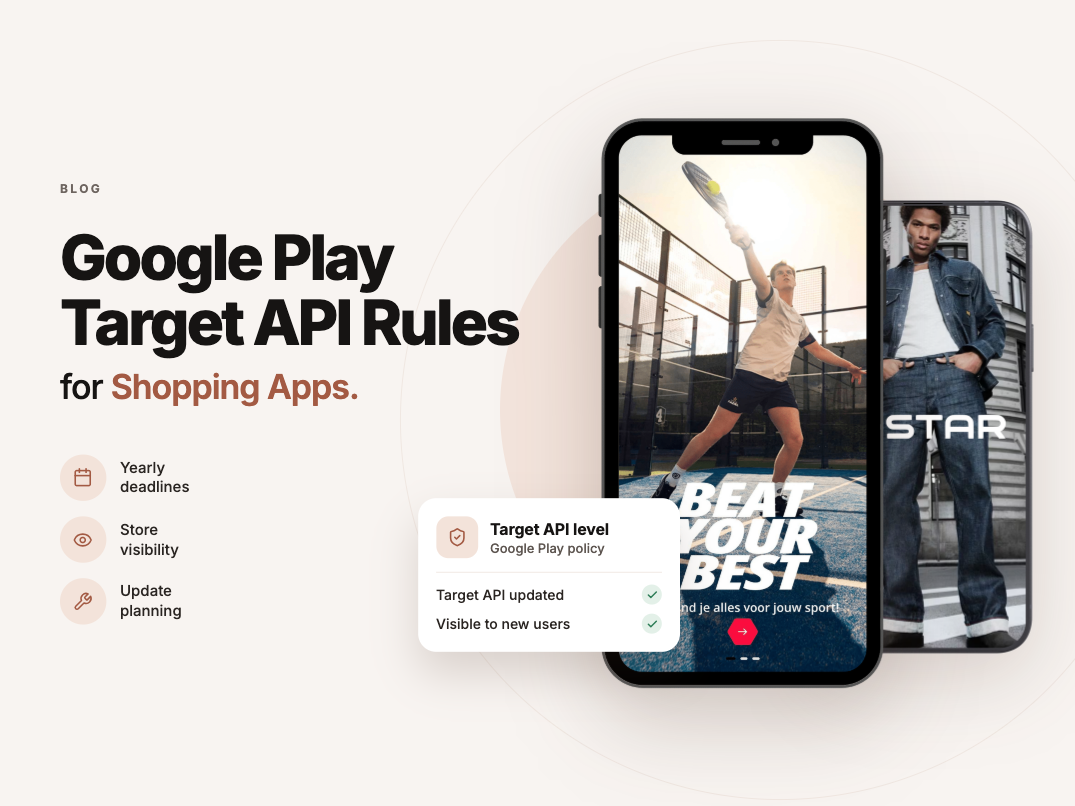
Google Play only allows new shopping apps and app updates if they target a recent Android API level. If your app falls outside the allowed window, you can lose the ability to publish updates and, for some users on newer Android versions, reduce your app’s visibility or availability.
For ecommerce teams, this is rarely just a one-line Android setting change. Raising the target SDK can affect checkout, payments, push notifications, deep links, loyalty features, embedded web content, and other mobile app features. The practical checks usually sit in three places: your Android build configuration, your active Play Console release tracks, and the way permissions and disclosures are declared. If you’re unsure where to start, run an ecommerce app health check to audit technical readiness and compliance gaps before you change the target API.
How the policy affects publishing, updates, and visibility
Google Play runs on a rolling target API policy. That means the rule moves forward as newer Android versions are released: new apps must target a recent API level, and app updates must also stay within Google Play’s current compliance window.
For a new shopping app launch, missing the requirement can block publication altogether. For an existing app, it can stop routine updates from going live even if the code change itself is small. Older live apps that are still on the store may also become less available to users on newer Android devices when they fall too far behind the required level.
The business impact is straightforward: blocked submissions, reduced reach, and avoidable disruption to your mobile revenue channel. Because the deadline and required API level change over time, do not rely on old year-specific guidance. Always confirm the current requirement in Play Console and the official Google Play policy documentation before planning a release.
Since 31 August 2026, new apps and updates must target Android 16 (API level 36). Existing apps must target at least Android 15 (API level 35) to stay available to new users on newer devices.
What to test in your shopping app before you raise the target SDK
Before submission, run regression tests on real devices as well as the latest Android emulator. The version change can expose behaviour changes in notifications, background work, task handling, edge-to-edge layouts, intent handling, and battery-related throttling.
Key test areas after the API change
Update your Android build settings without creating a release blocker
targetSdkVersion controls the Android behaviour model your app opts into, compileSdk determines which Android APIs you compile against, and minSdk sets the oldest Android version the app supports. In practice, the blocker is often not the target number itself but whether your dependencies support it.
Check Gradle configuration, manifest assumptions, and library release notes before generating a new AAB. Payment, analytics, loyalty, and other SDKs all need to be compatible with the required Android level.
Recheck permissions, SDKs, and Play declarations
- Audit the permissions your shopping app really uses, and remove any that are obsolete or only pulled in by outdated SDKs.
- Make sure runtime permission prompts match what the app actually does in production.
- Keep Play Console declarations, Data Safety answers, and privacy policy language aligned with the live app behaviour.
- Review sensitive areas carefully, including location for store-finder features, camera or media access, notifications, analytics, and payment-related SDKs.
- Check whether embedded third-party libraries introduce permissions or data collection you no longer need.
- Remember that disclosure mismatches can still delay approval or trigger warnings even when your target API level is correct.
Check every active release track before blaming the code
A compliant production bundle does not always clear the warning on its own. In practice, developers report that Google Play can still flag the app if an older non-compliant build remains active in an internal, closed, open, or paused track.
This catches teams out because Play evaluates more than the latest production release. In a normal ecommerce release cycle, test tracks are easy to forget, especially if they were used for a one-off promotion, checkout test, loyalty feature, or SDK validation months earlier.
Review every active release path, including staged roll-outs and rarely used testing tracks, before assuming the problem sits in the latest code change.
Use Play Console to find and replace non-compliant bundles
- Open the warning details, Play Console Inbox messages, affected app bundle list, and App Bundle Explorer to identify which bundle versions are still non-compliant.
- Map those versions to every active track, not just production.
- Replace or supersede each affected active release with a compliant bundle.
- Save and publish the update in every relevant track so the old active state is no longer counted.
- Expect the warning to clear only after the new release has been processed and the non-compliant bundle is no longer active.
Plan for review lag, warning delays, and deadline extensions
Even after you have fixed the technical issue, Play Console warnings can remain visible for hours or until review has completed. That delay does not automatically mean the new bundle is still wrong.
Keep watching policy messages and release status inside Play Console rather than guessing from a stale warning banner. If you are close to a deadline and the migration is larger than expected, treat extra time as a fallback, not the primary plan. Google offers a one-off extension each cycle. In 2026 it ran to 1 November, so if you missed it, updates stay blocked until the app targets API 36. If you need hands-on help with target API requirements or an unblocked release, talk to a JMango360 app expert.
When a target API update turns into a migration project
Sometimes this is no longer a simple compliance task. Unsupported SDKs, older React Native or native layers, checkout issues on newer Android versions, or dependencies that cannot be upgraded independently are all signs you are dealing with a broader initiative to migrate your ecommerce app without losing users.
For shopping apps with multiple commerce integrations, treat it as a managed migration with full regression testing and rollout planning. If you are already considering whether to fix or rebuild your ecommerce app, it makes sense to include target API compliance in the same roadmap to avoid repeating work later. That is also where getting an app development quote from a managed app partner such as JMango360 can help reduce internal delivery pressure while keeping the release moving.