App store optimisation for ecommerce apps
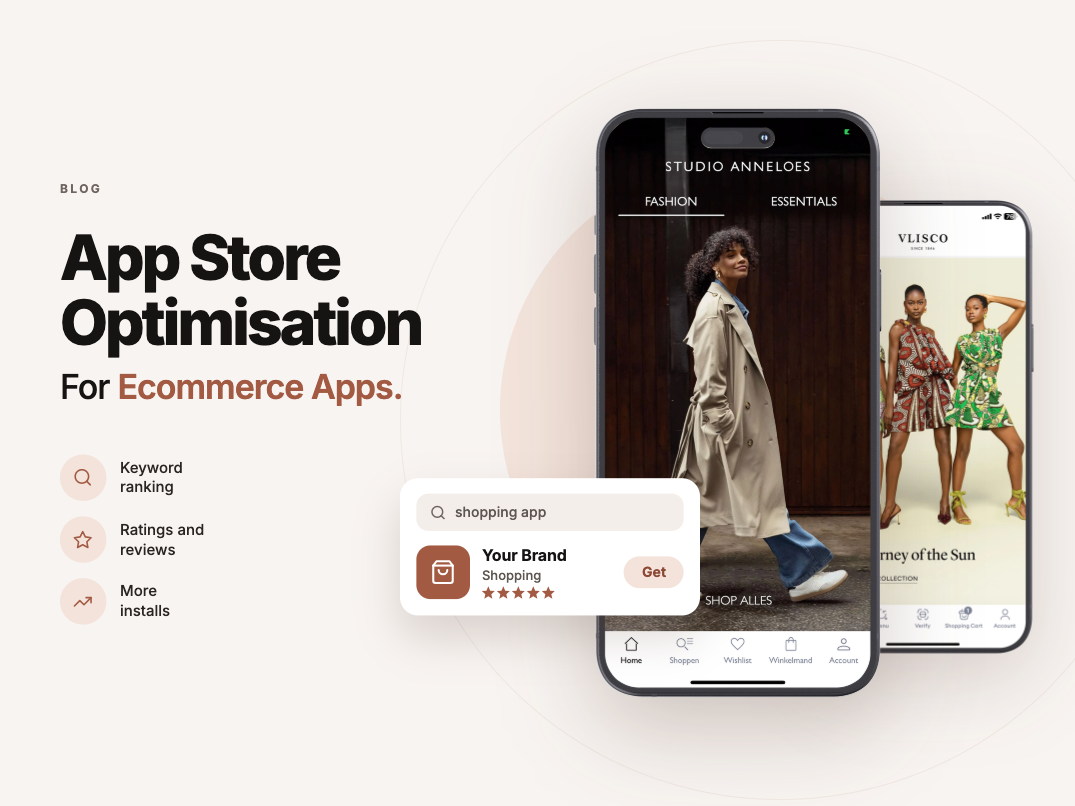
App store optimisation, or ASO, is the work of making sure an ecommerce app is both found and chosen in the Apple App Store and Google Play. For shopping apps, that matters twice: stronger visibility can lift organic installs, which can help to reduce CAC with mobile apps, and a better listing can attract users who actually want the brand, range, convenience or loyalty value the app offers. Before anyone reaches a first session, the store page already has to do part of the selling. The levers that matter most are keywords, metadata, visuals, category choice, localisation and ongoing measurement.
Why ecommerce apps win or lose in app-store search
ASO affects discovery and decision-making at the same time. A shopper may find an app through search, category browsing, related placements or branded demand, but the install only happens if the listing answers a simple question quickly: why use this app rather than the mobile site or another retailer’s app?
That is why ASO is often described as the app-store equivalent of SEO, but the comparison is only partly true. Rankings matter, yet so do conversion elements such as the app name, subtitle, screenshots, preview video and benefit-led copy. Stores surface the app; the listing has to close the gap between curiosity and install.
Ecommerce apps also need a more retail-focused approach than many other app categories. Shoppers are not judging features in isolation. They are comparing ease of checkout, product access, delivery convenience, loyalty value, personalised offers and any app-only reasons to buy.
And none of this stays fixed. Search demand changes, competitors refresh creative, and seasonal peaks reshape what users want. ASO is a continuous growth channel, not a one-time launch task. App quality also influences results—run an ecommerce app health check to catch performance, crash-rate and UX issues early.
Find keywords that match how people shop
Good keyword research starts with shopping intent, not generic app terms.
- Map phrases around product types, category names, brand terms, sale or offer language, and convenience-led searches such as easier reordering or faster checkout.
- Review competing listings, browse category language and use ASO research tools to check relevance, demand and ranking difficulty.
- Place the most important term in the strongest field, then support it with related phrases where they fit naturally. Irrelevant stuffing can weaken relevance and attract poor-fit installs.
- Refresh targets when collections, campaigns or seasonal demand change.
Get every metadata field doing the right job
Each field has a different role, so discovery and conversion should not be treated as the same job.
Metadata fields and what they should do
Title: Strongest discovery signal. Use the brand name and the clearest core shopping term where it fits naturally.
Subtitle / short description: Fast value summary. Add supporting phrases and a clear install reason, such as exclusive access or easier shopping.
Keyword field: Extra search relevance. On Apple, use supporting terms not already covered. Repeating the title adds little.
Long description: Context and persuasion. Explain retail value and work secondary phrases in naturally rather than forcing them.
Category: Browse fit and competitive context. Choose the closest retail category so the app appears beside relevant peers.
Character limits and ranking weight differ between the App Store and Google Play, so check the current platform rules before rewriting. Keep copy concise and benefit-led.
Turn screenshots and video into a storefront pitch
For ecommerce apps, the icon, screenshots and preview video work like a mini storefront. Users scan them fast, often before reading much copy, so the first frames need to communicate value immediately.
Lead with the reasons a shopper would install the app, not a tour of every screen. That might be faster checkout, early access to launches, loyalty perks, personalised offers or simpler repeat orders. Keep captions short, show real in-app moments, and make sure the visual style stands apart from nearby competitors. Stronger creative usually improves install conversion, and better conversion can support overall store performance over time.
Choose the right category and benchmark the right apps
Category choice looks administrative, but it shapes visibility. The category tells the store which apps yours competes with, where it may appear in browse journeys and how hard it is to rank for relevant terms. A weak fit can put the app beside the wrong peers and dilute both ranking potential and conversion.
Benchmarking helps, but only if the comparison set is tight. Focus on apps with a similar retail model, audience and positioning rather than every large brand in the market. Review how they frame their value proposition, which search terms they appear to target, how they structure screenshots and what message they place first.
Then track what happens after metadata or creative changes. Competitor research is most useful when it feeds structured testing, not when it becomes a one-off review.
Support ASO with traffic from outside the app store
ASO does not happen in isolation. An app landing page on the ecommerce site, email campaigns to existing customers, onsite banners and paid campaigns can all send qualified traffic to the store listing, and ASO can also support better results when you improve ROAS for shopping apps. That matters because external traffic can speed up learning: during launch, peak trading periods or promotional pushes, teams can see more quickly whether the page converts visits into installs.
Off-store traffic is also practical when branded demand is already strong. People may hear about the app in another channel first, then decide in the store.
Treat external signals carefully, though. Relevance and traffic quality matter more than sheer volume, and not every outside link or campaign has a clear ranking effect inside the stores. Use external channels mainly to improve discovery and test conversion faster, not as a substitute for listing quality.
Localize and refresh your listing as the app and catalogue change
A listing that works in one market or one quarter can go stale fast. Localise copy and visuals for each region instead of translating literally, because shopping language, seasonal cues and promotional expectations vary. The words that drive installs in the UK may not be the phrases users respond to elsewhere.
Refresh the page when assortments, campaigns or peak periods change. If the app introduces a better checkout flow, improved performance or new loyalty mechanics, reflect that in the store message. A simple monthly or quarterly ASO review keeps the listing aligned with what the app and catalogue actually offer. If reviews cite bugs or slowdowns, consider whether to fix or rebuild your ecommerce app to accelerate improvements in UX and ratings.
How we apply ASO thinking to ecommerce apps
At JMango360, we build ecommerce mobile apps, so ASO is most useful when it is planned alongside the product and growth work behind the listing. After building apps since 2012 and launching 500+ shopping apps, we have seen the same pattern across sectors such as fashion, beauty, food and beverage, pet care, sports and hobbies: the store page performs better when it matches the real app experience, from product mix and campaign timing to loyalty mechanics and checkout. That is also where ASO connects to commercial outcomes. Better-fit installs can support lower acquisition costs, stronger first-party data from mobile apps handled within the right consent and GDPR framework, and more app-driven revenue over time.
Track the signals that show whether ASO is working
To judge ASO properly, measure the full path from impression to repeat use:
- Track keyword positions, category ranking, impressions, page views, install conversion rate and download trend after each material change.
- Check post-install quality as well: activation, browsing depth, purchase rate and return behaviour.
- Compare before-and-after results on one update at a time, such as a new title, short description or first screenshot.
- Test in controlled increments. If everything changes at once, cause and effect become much harder to read.