What Happens to a Mobile App During Ecommerce Replatforming?
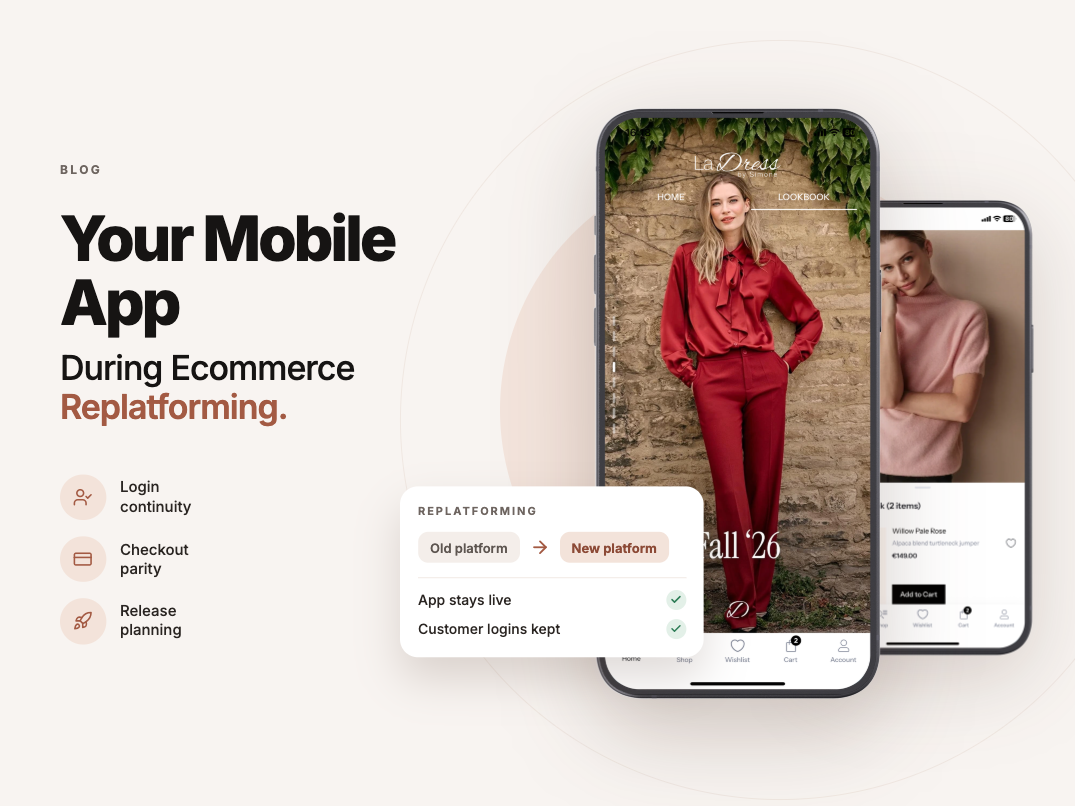
In most cases, you cannot replatform an ecommerce business and leave the mobile app untouched. A shopping app depends on the same commerce engine, customer data, checkout logic, integrations, and backend services as the website. When those systems change, the app usually needs work too, whether that means reconnecting APIs, updating key journeys, or rebuilding larger parts of the experience.
The size of that impact depends on how the app was set up in the first place. Platform-native or no-code app builders are usually the least portable because they rely on one platform’s ecosystem. Custom-built apps are more adaptable, but the adaptation can become expensive once checkout, account services, and data structures move. Headless or API-first setups reduce friction, but they do not remove the need for app planning, testing, and launch coordination.
If you are replatforming with an existing app in market, the real question is not whether the app is affected, but where it can break, what must stay smooth for customers, and how to avoid downtime or user loss at go-live. That is what the rest of this guide covers.
Why the backend switch can break the app
A mobile commerce app is not a separate island from the website. In most setups, it is another front end connected to the same product catalogue, pricing rules, customer accounts, promotions, inventory, checkout services, and order data. That means a platform change affects more than the web storefront. Even if the app design stays the same on the surface, the systems underneath it may no longer behave in the same way.
The most common break points sit in the connections between the app and the commerce stack. API endpoints can change. Authentication methods can change. Product, customer, cart, and order data models can change. Checkout logic often changes too, especially when payment flows, delivery options, tax handling, or promotional rules are implemented differently on the new platform. An app that previously expected one response format or one account flow can start failing quietly, showing incorrect data, or blocking core actions such as login, basket updates, and order placement.
Integrations create another layer of risk. Search, analytics, personalisation, marketing automation, push campaigns, customer service tooling, and order management can all be affected during replatforming. Even when those tools stay in place, the way first-party data from mobile apps is passed to them may shift. If event names, customer identifiers, or catalogue attributes are altered, the app can keep running while still losing reporting accuracy, campaign logic, or feature behaviour behind the scenes.
The risk is not only technical. Replatforming often comes with a redesigned website, new merchandising patterns, different navigation, or more customised buying journeys. If the web experience moves on but the app does not, the mobile app quickly falls out of sync. Customers then see different promotions, different feature sets, or a weaker checkout experience depending on channel, which makes the brand feel inconsistent and can hurt repeat use.
If you use a platform-native or no-code app builder
If your app was created through a platform-native or no-code app builder, replatforming is often the hardest scenario from a portability point of view. These tools are usually designed around one commerce platform’s data structures, checkout, app extensions, and connector logic. They can work well while you stay inside that ecosystem, but the app setup is often far less flexible once the backend changes.
That is because the builder is not just pulling in products and images. It normally depends on platform-specific APIs, customer objects, navigation structures, theme or content connections, and platform-approved ways of handling basket and checkout. Move to a different platform and many of those assumptions stop being valid. In practice, the current app may no longer be able to fetch the right data, authenticate users correctly, or complete orders in the way it did before.
This is where vendor lock-in becomes very visible. Some builders cannot simply be repointed to a new commerce backend. Even if they can import some content or reconnect certain data feeds, the underlying app logic may still be too tightly coupled to the old platform to support a clean migration. The discussion then shifts from “can we update the app?” to “do we need to replace or rebuild the app?” That changes scope, budget, and timing very quickly. If you’re weighing this decision, see Should you fix or rebuild your app during a replatform?
Platform ecosystems matter as well. Some ecommerce platforms have strong native tooling and a broad app-builder market around them. If you move away from that environment, the number of workable app options can narrow sharply. A platform decision that looks positive for the website can therefore reduce flexibility for mobile unless app strategy is reviewed at the same time. This is why brands should treat app portability as part of replatforming due diligence, not as an afterthought once the new website is already in development. If you are replatforming to Shopify, read Benefits of a native Shopify app.
If you have a custom-built mobile app
A custom-built mobile app is usually more adaptable than a platform-native builder, but that does not mean it is insulated from replatforming. Custom apps still depend on commerce APIs, account services, checkout rules, product data, and third-party integrations. When those systems change, the app’s code has to change with them. The advantage is flexibility. The catch is that flexibility often comes with more implementation work than teams first expect.
On paper, the task may look like reconnecting the app to a new set of endpoints. In reality, the work tends to spread into the app’s core journeys. Authentication and account management may need a new flow. Search and filtering may rely on different data. Basket logic may behave differently. Checkout steps, payment handling, address validation, and order confirmation can all need updates. If the new platform structures products, variants, promotions, or customer records differently, mobile app features built on those models may need refactoring rather than a simple swap.
Retesting is also a bigger job than many replatforming plans allow for. It is not enough to confirm that the app opens and products load. Teams need to run regression testing across browsing, search, account access, basket behaviour, checkout, order tracking, notifications, analytics, and edge cases such as failed payments or expired sessions. If the website is being redesigned at the same time, the app may also need UX changes so key journeys still feel aligned with the brand’s new direction.
The business impact is significant. Custom adaptation can stretch budget, extend timelines, and create heavy coordination work between ecommerce, development, QA, product, analytics, and any external app partner. Internal teams often underestimate how much of the mobile experience is tied to the old platform. That is why custom apps are best viewed as adaptable, not untouched. They may survive replatforming, but usually only with deliberate technical and operational planning.
If you keep the backend but go headless
If you keep the same commerce backend and move the website to a headless setup, the app may face less immediate breakage than in a full platform replacement. Many of the underlying services can remain the same, including product data, account services, inventory, and parts of checkout. Where the app already talks directly to those backend services, a large portion of the plumbing may continue to work with fewer changes.
That said, headless does not automatically mean the app is unaffected. Once the storefront becomes decoupled and heavily customised, the website often starts moving faster than the app. The web team can introduce new content models, custom landing pages, bespoke merchandising logic, different search behaviour, or a reworked checkout flow. If the app is less flexible, those changes can be difficult to mirror, even when the commerce engine underneath remains familiar.
This is a common source of drift. The website gains richer experiences while the app still reflects the old structure, old navigation, or old assumptions about how shopping journeys work. Customers may see different promotions, different discovery paths, or different account experiences between channels. The app is technically still live, but commercially it begins to lag behind. That gap tends to widen over time if parity is not managed deliberately.
API-first and decoupled architectures are still positive for mobile in one important sense: they give brands more control over how services are exposed to different front ends. For native apps, that can improve long-term flexibility and reduce dependence on one rigid storefront layer. But API-first only helps if teams actively use that flexibility. During a headless move, the app still needs parity checks, updated requirements, and app-specific QA to confirm that the new architecture supports mobile properly rather than leaving it as a secondary channel.
Common replatforming paths and the likely app impact
Not every replatforming project produces the same level of mobile disruption. The path you take matters. The most common migration patterns and what they usually mean for an existing app channel are outlined below.
What must keep working when the new platform goes live
Successful replatforming is not just about getting the website live. The app also needs continuity across customer identity, commerce operations, app mechanics, and measurement. If any of these fail, users notice quickly and teams lose visibility just when they need it most.
How to avoid app downtime and user loss during replatforming
The safest approach is outlined in How to migrate your ecommerce app without losing users: run replatforming as a connected web-and-app programme, not as a website project with mobile added at the end. For brands working with a managed app partner such as JMango360, that means bringing the mobile team into decisions on platform scope, dependencies, and launch timing as early as possible.
- Put the app on the same critical path as the website. If mobile work starts too late, the business is forced into a poor choice between delaying launch or accepting a broken or outdated app experience.
- Define what must be ready on day one and what can move into later phases. A clear parity plan prevents teams from trying to replicate every web feature immediately while still protecting the journeys that drive repeat purchase.
- Map dependencies early, including login, account data, catalogue structure, promotions, checkout, payments, notifications, deep links, analytics, and any third-party SDKs used inside the app.
- Allow for app-specific release planning. Native app updates need development, QA, submission, and approval windows, so mobile cannot always move at the exact pace of a web deployment.
- Run dedicated QA and regression testing on real devices around browsing, login, basket, checkout, push notifications, event tracking, and post-purchase flows before and after cutover.
- Choose future portability deliberately. Ask how much of the app is tied to one commerce platform, what would need rebuilding in a later migration, and how mobile continuity would be handled next time.
Before and after cutover, Run an ecommerce app health check to spot risks with SDKs, APIs, and performance.
FAQs about ecommerce replatforming and mobile apps
Teams looking at a platform move often have broader questions about replatforming, app strategy, and where mobile fits in the channel mix. Here are the short answers that matter most when continuity and growth are both on the line.
What does replatforming mean?
Replatforming means moving an ecommerce business from one commerce platform or technical architecture to another. That can be a full replacement, where the old platform is switched off, or a phased transition, where services are moved in stages. The change may affect the backend, the storefront layer, integrations, checkout, content handling, and the way customer and order data are structured.
From a mobile point of view, that matters because the app usually depends on many of the same systems as the website. If product data, account services, APIs, or checkout logic change, the app needs to be reviewed against those changes as well. So replatforming is not just a web project. It is a channel-wide change programme that can directly affect how a native shopping app works, what it shows to customers, and how reliably it converts after launch.
Why is a mobile app better than a website?
A mobile app is not automatically better than a website in every situation. It serves different goals. For many ecommerce brands, an app is valuable because it supports retention, repeat purchase, faster reordering, personalised experiences, and direct messaging through push notifications where the customer has given consent. It can also make common journeys feel faster and more convenient for existing customers.
The website still matters just as much. It usually remains the foundation for reach, discovery, SEO, and first-time visits. Most brands need both channels to work together rather than treating one as a replacement for the other. During replatforming, that is the real priority: keep the website strong for acquisition and make sure the app stays aligned for retention and repeat revenue. A great app paired with a broken or inconsistent web-and-app setup is not a win.